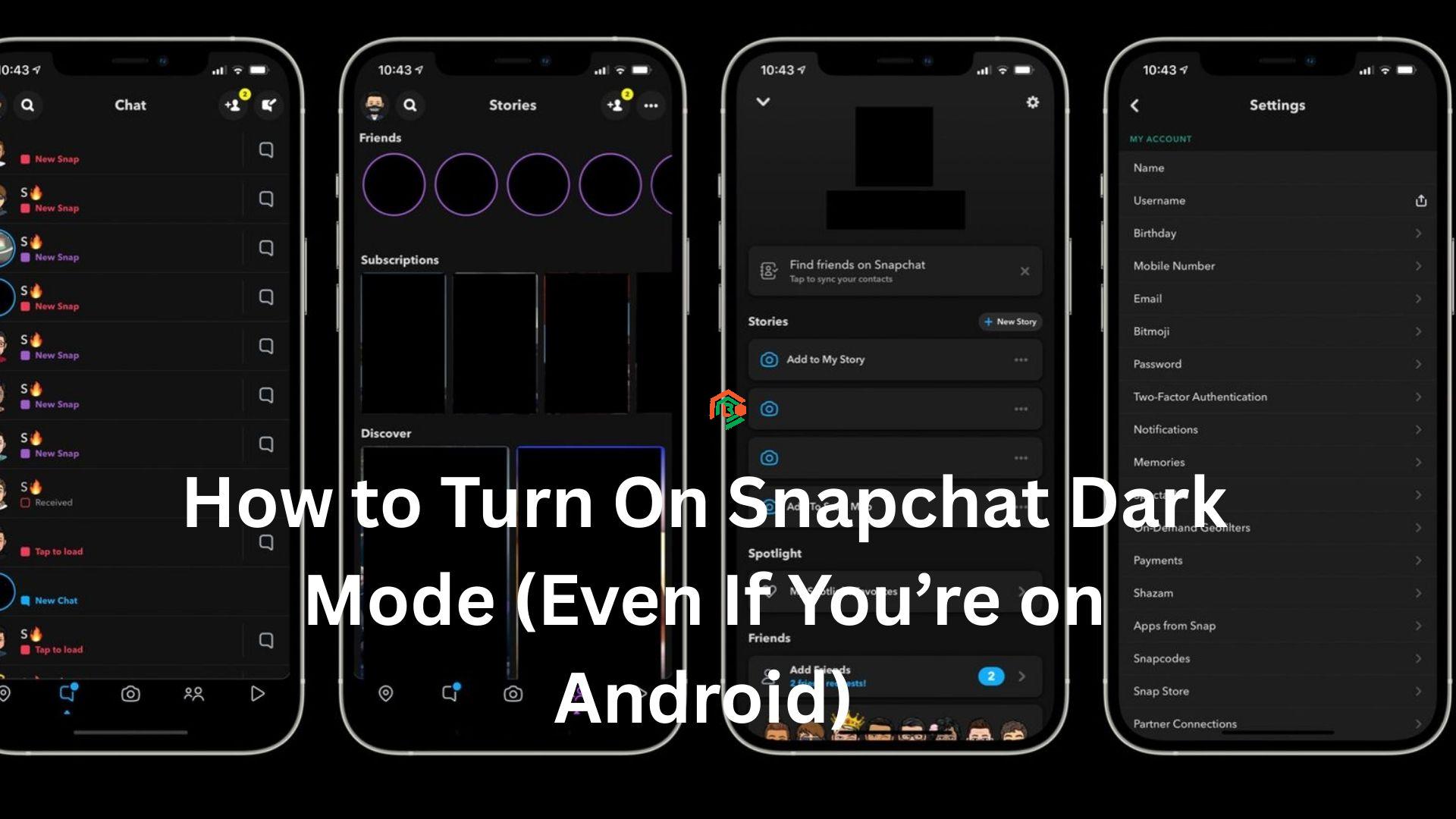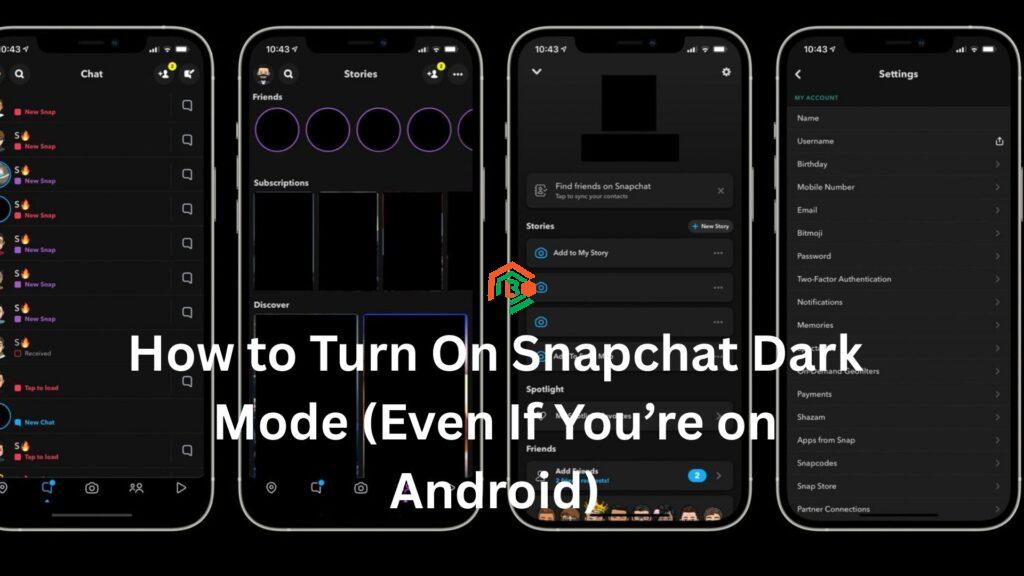
Have you ever opened Snapchat at night and instantly felt your eyes burn from the bright white screen? You’re not alone. That’s where Snapchat dark mode comes in – a sleek, eye-friendly feature that transforms the app into a darker, more comfortable version.
Whether you’re a night owl or just prefer the stylish look of dark themes, enabling dark mode on Snapchat can make a big difference. But here’s the catch: while it’s easy for iPhone users, it’s not so straightforward on Android.
Don’t worry – this article walks you through everything you need to know about Snapchat dark mode, no tech jargon, just simple steps, real talk, and a few personal stories along the way.
What is Dark Mode on Snapchat?
In plain terms, dark mode changes the color scheme of an app from a light background to a dark one. This isn’t just about looks – it’s about comfort. Here’s why people love it:
- Less eye strain, especially at night
- Helps save battery on OLED screens
- Looks sleek and modern
- Easier to scroll in the dark without blinding yourself
When it comes to Snapchat, dark mode changes the usual white background to black or dark gray, while still keeping everything functional and stylish.
The Struggle is Real: A Personal Take
Let me tell you a quick story.
A few months ago, I was lying in bed, mindlessly tapping through Snapchat stories. It was 2 a.m., and my room was pitch black. The moment I opened the app, it was like I’d stared straight into the sun. I fumbled to lower the brightness but then thought, “Isn’t there a Snapchat dark mode I can turn on?”
Turns out – there is. But it’s not always easy to find, especially if you’re on Android. That’s what sparked this guide.
How to Enable Snapchat Dark Mode on iPhone
If you’re using an iPhone, you’re in luck. Snapchat has a built-in dark mode option for iOS users. Here’s how to activate it:
Step-by-Step Guide (iPhone)
- Open Snapchat on your iPhone.
- Tap your Bitmoji icon (top left corner).
- Tap the gear icon in the top-right corner to go into Settings.
- Scroll down until you find App Appearance.
- Tap it, and you’ll see three options:
- Match System: Snapchat follows your phone’s theme (light or dark).
- Always Light: Keep Snapchat in light mode.
- Always Dark: Enable Snapchat dark mode permanently.
- Select Always Dark.
And that’s it. You’re done in under a minute.
How to Get Snapchat Dark Mode on Android (Workarounds)
Here’s where things get tricky.
As of now, Snapchat has not officially released dark mode for all Android devices. Some beta versions or certain phones might have the feature, but for most users, it’s missing.
However, there are a few workarounds that can help you get a dark Snapchat interface on Android.
Workaround 1: Use “Force Dark Mode” in Developer Options
This isn’t a perfect solution, but it works for some users.
Steps to Try This Method:
- Open Settings on your Android phone.
- Scroll down and tap on About phone.
- Find Build number and tap it 7 times until you see a message saying “You are now a developer!”
- Go back to Settings and tap on System > Developer options.
- Scroll down and find Force Dark Mode or Override force-dark, then toggle it on.
Now, open Snapchat. Some users report the interface turns dark, although it might not be perfect.
Note: Some elements may look odd or misaligned. Snapchat doesn’t officially support this mode yet, so your experience may vary.
Workaround 2: Use an Older Version of Snapchat
Some older versions of Snapchat allowed dark mode or worked better with forced dark mode.
Caution: This method involves downloading APK files, which can be risky. Only proceed if you know what you’re doing.
Steps:
- Delete your current Snapchat app.
- Find a Snapchat APK version from a reliable site (like APKMirror). Look for versions from 2020–2021.
- Install it manually.
- Use Force Dark Mode from Developer Options as described above.
Important: You won’t get the latest features or updates. Plus, Snapchat may log you out or stop working correctly.
Workaround 3: Use “Substratum” or Custom Themes (Root Required)
If your phone is rooted, you can install a theming engine like Substratum to apply a custom dark theme to all apps, including Snapchat.
This method is not recommended for average users. Rooting can void your warranty or brick your phone if done incorrectly.
Why Doesn’t Snapchat Offer Dark Mode on Android?
The short answer? Nobody really knows.
Snapchat hasn’t officially explained why dark mode isn’t available on Android, even though users have been requesting it for years. Some believe it’s due to the complexity of Android devices – there are so many different models and screen types that it’s harder to roll out a consistent design.
Meanwhile, iOS has a more uniform system, making it easier for developers to create features like Snapchat dark theme without hiccups.
Do People Actually Use Dark Mode?
Yes, big time.
A 2023 survey showed that over 80% of smartphone users prefer using dark mode when it’s available. It’s not just about aesthetics; it’s about eye health, battery saving, and overall comfort.
Snapchat users are no different. Just browse Reddit or Twitter, and you’ll see hundreds of people asking:
“When is Snapchat dark mode coming to Android?!”
Is Snapchat Dark Mode Safe for Your Eyes?
Absolutely. While it won’t cure eye problems, it can help reduce eye fatigue if you often use your phone in low-light settings.
Dark mode:
- Lowers overall brightness
- Reduces blue light exposure
- Makes it easier to fall asleep after late-night scrolling
Pro tip: You can also turn on Night Light or Blue Light Filter on your phone for extra comfort.
Extra Tips for a Better Snapchat Experience at Night
Even if you don’t have full dark mode yet, here are some quick ways to make Snapchat easier on your eyes at night:
- Lower your screen brightness manually.
- Turn on your phone’s blue light filter or Night Shift.
- Avoid using Snapchat in total darkness – keep a dim light nearby.
- Use system-wide dark mode (Android 10+ or iOS 13+).
TL;DR – Summary
| Device | Dark Mode Available? | How to Enable |
|---|---|---|
| iPhone | Yes | In Snapchat settings under App Appearance |
| Android | Not officially (yet) | Use Developer Options or third-party methods |
Final Thoughts
While Snapchat dark mode is officially available on iPhone, Android users are still waiting for a proper release. Still, with a few tweaks, you can get a similar experience using force dark mode or older versions of the app.
Until Snapchat decides to roll out dark mode on Android globally, these tricks are your best bet.